
Creating a Customer Manually
Add someone to your store before they have ever logged in, for giveaways, coupons and comped access.
Customers appear the first time they visit your store. Sometimes you need one to exist before that, usually because you want to give them something.
Dashboard → Content → Customers → New Customer. Needs customer write access.
The common case is a giveaway winner who has never logged in, so there is no record to attach anything to. Creating the customer first gives you something to point a coupon or an assigned product at. The same applies when you comp a creator before they visit, pre-register staff so their roles and perks are ready, restore a player after a migration who owns perks in game but has no PayNow record, or work a support case where you have the platform ID but no account.
Creating one
- Click Create in the top right of the Customers page.
- Enter their Steam64ID (or the platform ID appropriate to your store).
- Optionally enter a name.
- Click Create.
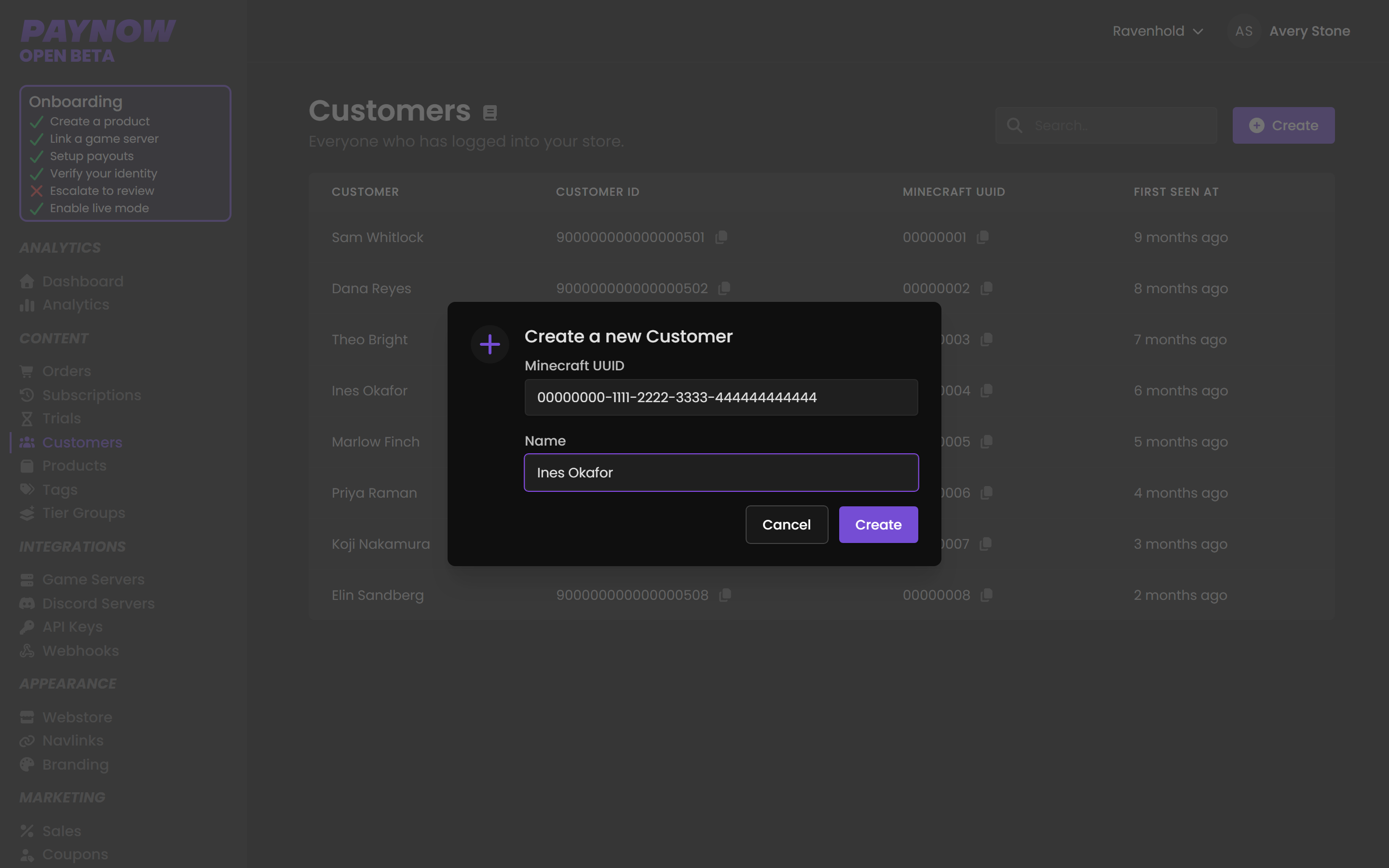
The name is optional — the platform ID is what matters.
The name is cosmetic; the platform ID identifies the person. Add one anyway, so you aren't reading a list of bare numeric IDs six months from now.
Get the ID right. The platform ID is the record. A typo creates a customer profile for somebody else entirely, and if you then assign a product to it, a stranger receives the prize. Copy and paste it. Do not retype a 17-digit Steam ID or a UUID from a screenshot. If you get it wrong, Edit Customer on their detail page fixes it.
After creating
| Next step | Guide |
|---|---|
| Give them a discount | Coupons |
| Grant a product directly | Managing Customers → Inventory |
| Grant to several people at once | Bulk Assigning Products |
| Give them store credit | Gift Cards |
When the person signs in with the matching platform identity, they land on the record you created, and whatever you attached is waiting. There is no merge step and no duplicate, provided the ID was correct.