
Profile & General Settings
Your personal PayNow account, distinct from any store you own or belong to.
Your account is you. Stores are things your account owns or belongs to. Keeping the two separate explains most of what is otherwise confusing about permissions and payouts.
Dashboard → your account menu → General. No permission needed; this is your own account.
Account versus store
| Your account | A store | |
|---|---|---|
| What it is | Your login and identity | A shop you own or work on |
| How many | One | As many as you like |
| Carries | Your profile, security settings, payout identity | Products, orders, customers, settings |
| Roles | Roles are granted to your account, per store | Each store has its own roles |
You can own one store and be a read-only helper on another with the same login. The store switcher decides which one you are looking at; each store's Team Members page controls what you can do there.
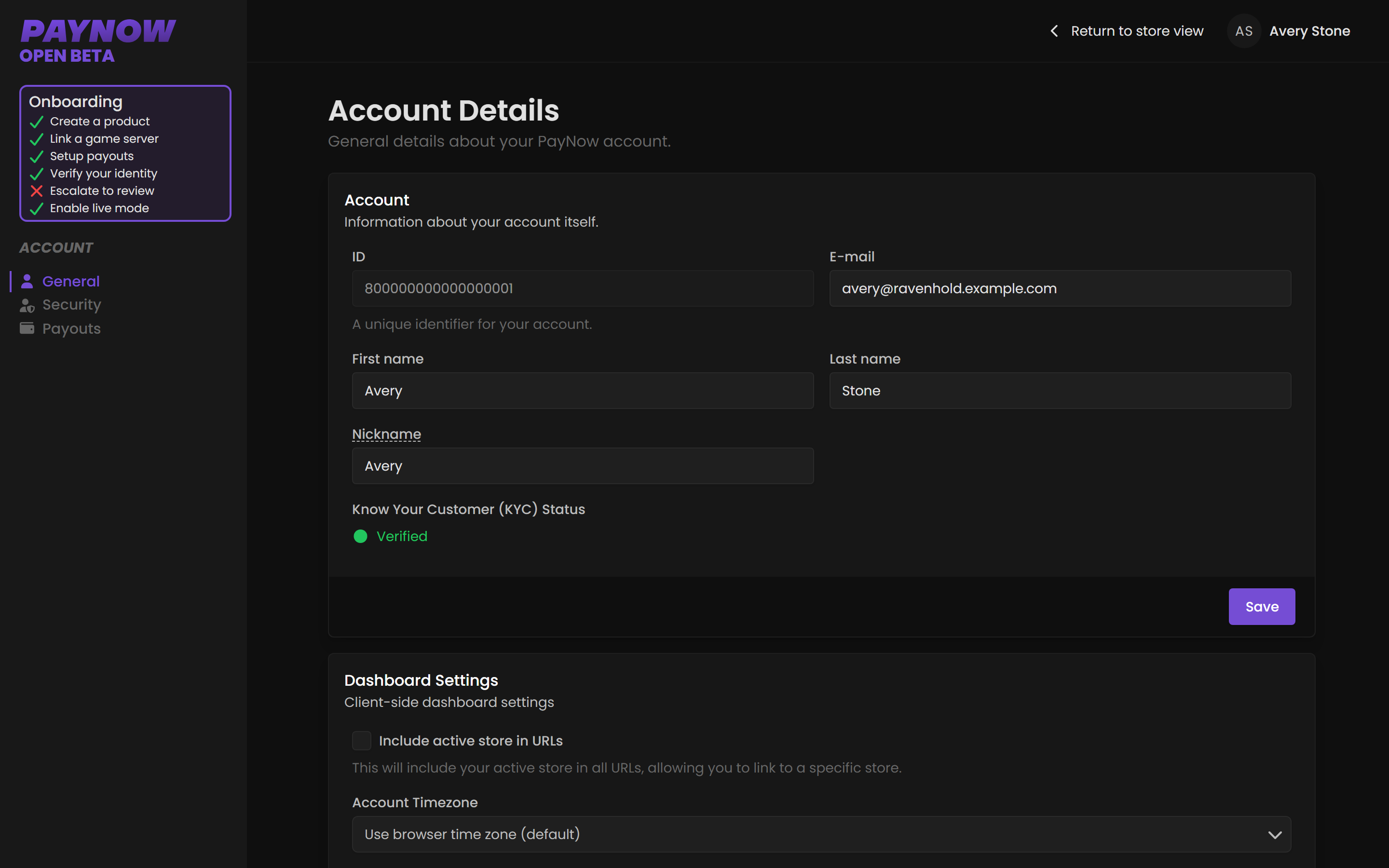
The three account pages
| Page | What it covers |
|---|---|
| General | Your profile details. |
| Security | Password, two-factor authentication, passkeys. |
| Payouts | Your payout identity. See Account Payouts vs Store Payouts. |
Your account email
Where PayNow contacts you about your account, including security notifications. Separate from your store's Support Email, where customers reach you, and Contact Email, where PayNow contacts you about the store. Both live in Settings.
Use an address you will keep and can still access. Losing access to your account email makes recovery slow, and if you are a store owner it is the account your payouts are attached to. A community-shared inbox is a poor choice; this should be personal to you.
Leaving a store
Leaving a store, or being removed, does not delete your account. You keep your login, security settings and payout identity, and lose access to that store.
Ownership is different. It cannot be transferred by editing your own account. Contact support@paynow.gg.